11WorldSync Global Community
Turn on suggestions
Auto-suggest helps you quickly narrow down your search results by suggesting possible matches as you type.
Showing results for
- Customer Community
- Item Management
- IM Questions
- Re: Synchronization Error
Options
- Subscribe to RSS Feed
- Mark Topic as New
- Mark Topic as Read
- Float this Topic for Current User
- Bookmark
- Subscribe
- Mute
- Printer Friendly Page
Synchronization Error

Options
- Mark as New
- Bookmark
- Subscribe
- Mute
- Subscribe to RSS Feed
- Permalink
- Report Inappropriate Content
10-17-2023 04:20 PM
I have 58 synchronization errors with the error code:
Errors:
1. 00070131030801: 642: If the Trade Item is a consumer unit, and the target market country is US, the type of bar code [dataCarrierTypeCode] is mandatory. Item (00070131030801)
We have tried updating the "Data Carrier Type Code" attribute - after publishing to the customer reporting the error, the error is not being resolved/error number not changing. How do I clear these?
4 Replies


Options
- Mark as New
- Bookmark
- Subscribe
- Mute
- Subscribe to RSS Feed
- Permalink
- Report Inappropriate Content
10-17-2023 05:10 PM
Hello!
Welcome to the Community! Recipients are not required to issue a new CIC regarding a publication. The easiest way to monitor the status of an item after a correction has been made is by reviewing the item on the Worklist along with reviewing the Item History Report. The Item History Report can be located by going to "Reports" > "Item History" > "Item ID" (Type the GTIN).
Thanks!


Options
- Mark as New
- Bookmark
- Subscribe
- Mute
- Subscribe to RSS Feed
- Permalink
- Report Inappropriate Content
10-18-2023 08:13 AM
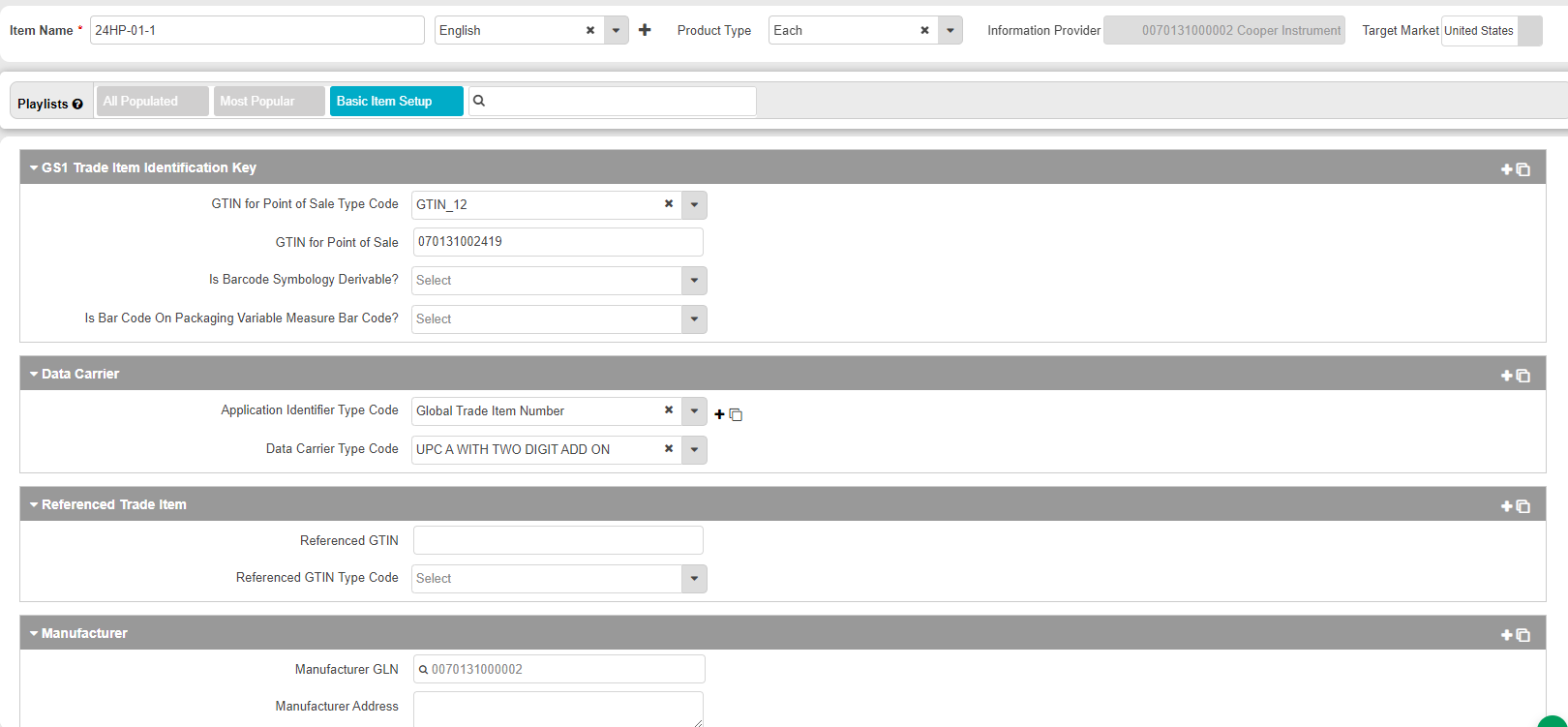
Hello @meganjovellanos and thank you for reaching out. In looking at your example GTIN 00070131002419, I see it is an Each only configuration. Currently, your Data Carrier Type Code is "UPC-A with a 2-digit add-on." Is this true of your UPC on your product at the sellable level? If it is scanable at the point of sale I would expect it to be a UPC-A or EAN-13 in the U.S.
Options
- Mark as New
- Bookmark
- Subscribe
- Mute
- Subscribe to RSS Feed
- Permalink
- Report Inappropriate Content
11-01-2023 01:42 PM
Options
- Mark as New
- Bookmark
- Subscribe
- Mute
- Subscribe to RSS Feed
- Permalink
- Report Inappropriate Content
11-01-2023 03:38 PM
o, @meganjovellanos, and thanks for your good follow-up question. You can click on the Sync Errors and there you will see the report shown below. From there, you can click on the black arrow to see the message and then you can go into correct it. When you update the item and Save the system will send a Modify message to any of your trading partners to which that item is published.




Related Content
- What does this error mean? in _Ask A Question for Item Management (IM)
- We have an ACTION_NEEDED & resubmitted as NEW please help [CIC999] in _Ask A Question for Item Management (IM)
- Additional description: '1' is not in choice list - '1' is not in choice list in _Ask A Question for Item Management (IM)
- No Digital External Assets but Getting Validation Errors in _Ask A Question for Item Management (IM)
- Kroger Error Messages after updating item in _Ask A Question for Item Management (IM)
