What is Layout Assistant?
Layout assistant is a new tool designed to help you build Enhanced Content layouts without the need to manually construct widgets.
Please note: This AI tool does not generate content, text, or imagery. Layout Assistant merely takes the content you have provided and constructs a layout with your assets.
How to Use Layout Assistant?
- Navigate to the desired Project and either select or create a new collection.
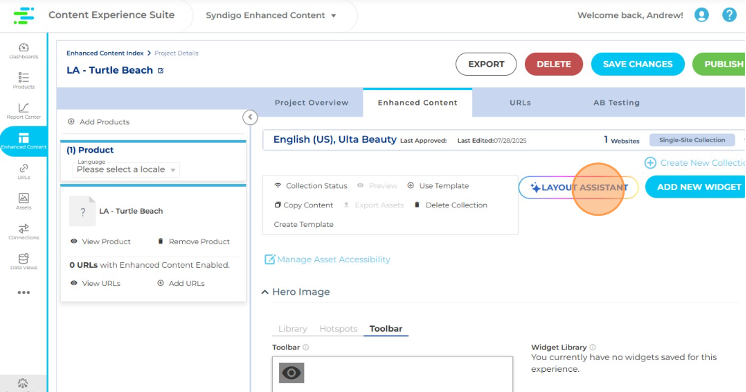
- When inside the desired collection, click Layout Assistant.
 ECLayout1.png
- Next select how you’d like to generate your Layout. This is how you’ll decide which assets to include in the Layout Generation.
 ECLayout2.png
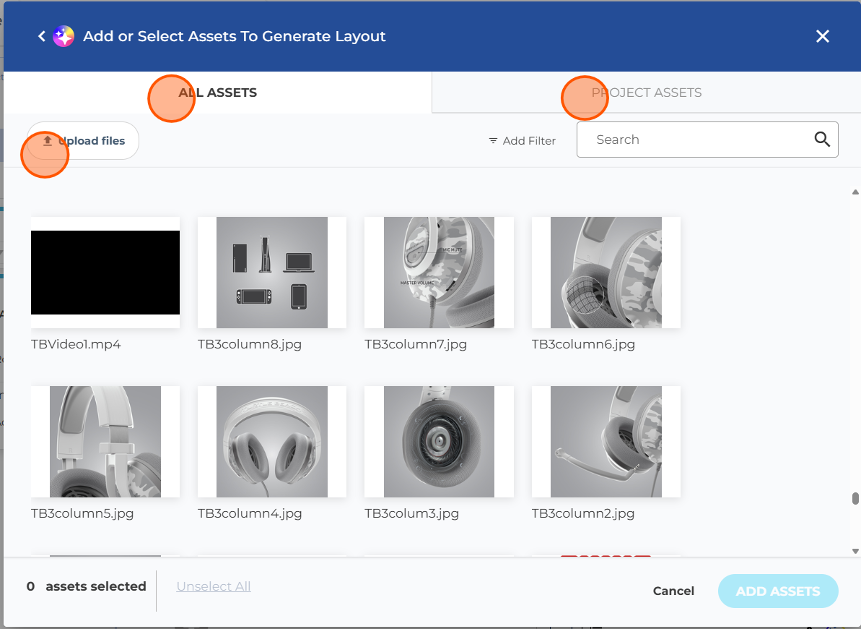
- If you choose the first option to Add or Select Assets, you can upload new assets from your desktop, select assets from the global asset library, or select from the assets that are currently utilized in the Project.
 ECLayout3.png
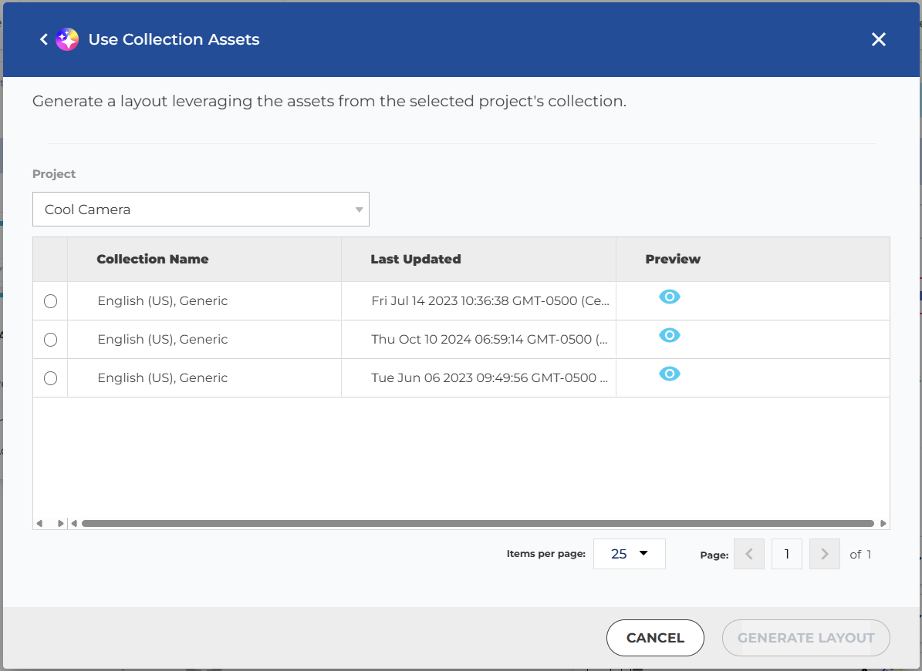
- If you choose to Use Collection Assets, you can select the desired collection to fetch assets from.
 ECLayout4.png
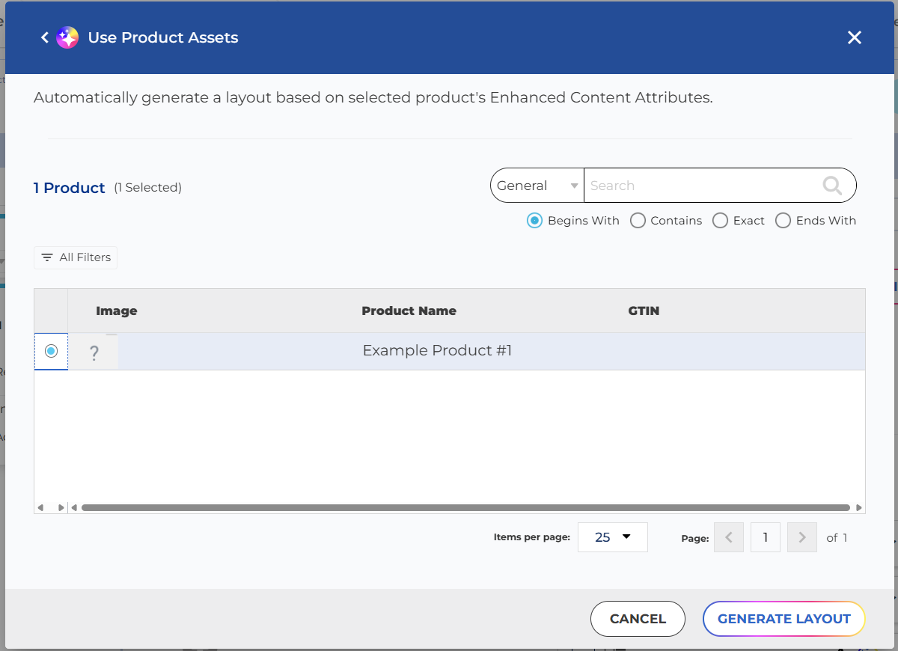
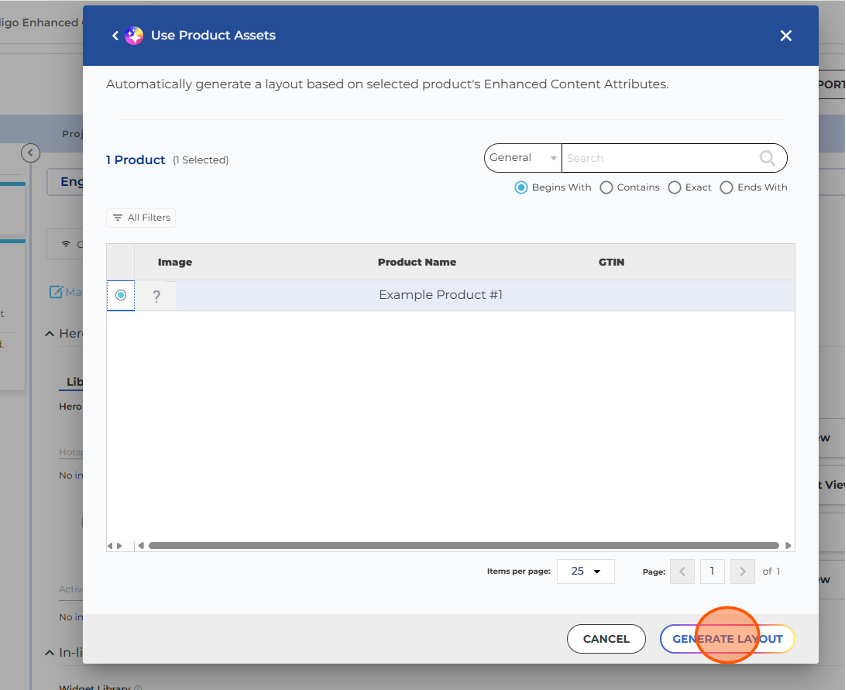
- Or, if you choose to Use Product Attributes, you can select the product to fetch attributes from. Please note: To use this option, the desired product must contain completed attributes and be added to this Project. If there's no product added, this option is grayed out.
 ECLayout5.png
- Once your selection has been made, click Generate Layout.
 ECLayout6.png
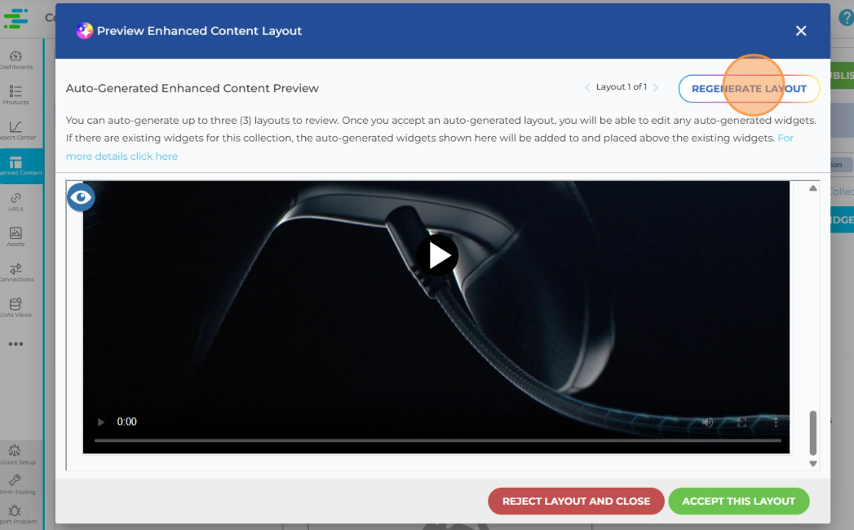
- A rendering of your Layout will be made available. Click Regenerate Layout if you would like to see an alternate version. Please note: You may regenerate a maximum of two times after the initial generation.
 ECLayout7.png
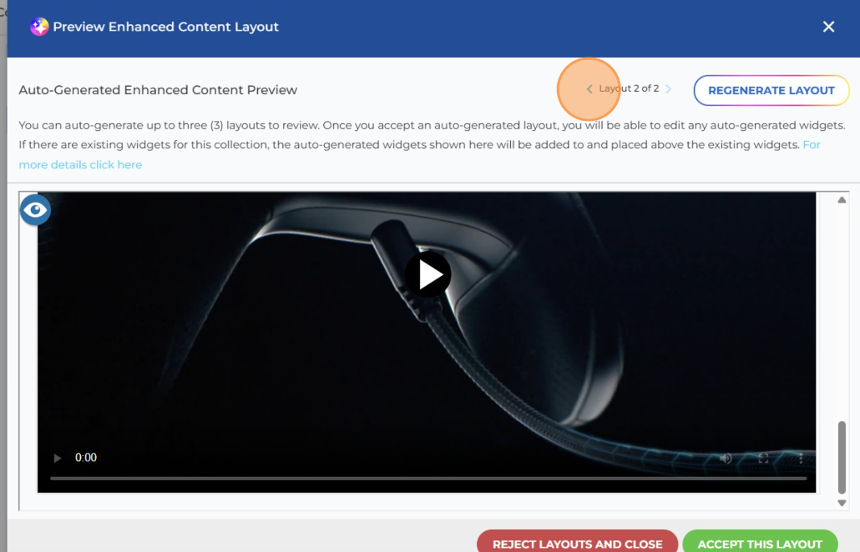
- You can click back and forth through the different layouts.
 ECLayout8.png
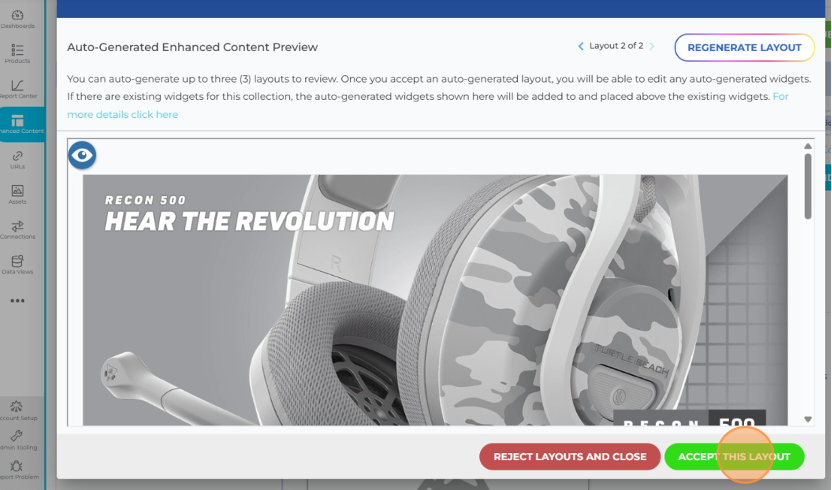
- Once the layout you like best is in view, click Accept This Layout.
 ECLayout9.png
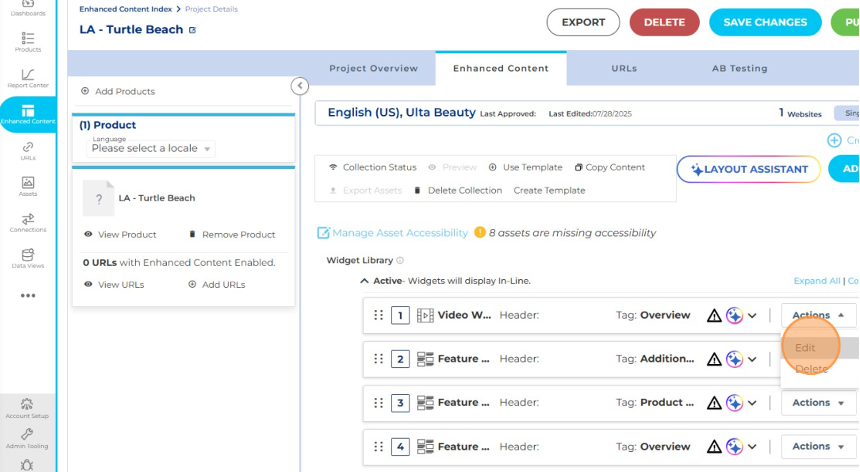
- After the platform refreshes, the widgets that make up the new Layout will appear with an AI badge overlaid on each.
 ECLayout10.png
- If widgets already existed in the collection before using Layout assistant, they will still remain in the widget library and won’t have the AI badge overlay.
- You are still able to make any changes to any widget or change the order of the widgets after the new Layout has been created. However, once a widget is modified by you, the AI badge is removed to indicate a person manually made those changes.
 ECLayout11.png
Generation Limitations
Please note: If a collection has 26 assets or more, Layout Assistant will not work.
At this time, Layout Assistant does not support the following widgets:
- Hero Image Hotspots
- Interactive Tour Widget
- Specification Table Widget
- 360 Spin Widget
- Comparison Table Widget


